by Premiere Social Media | Apr 17, 2014 | Social media Marketing
Why Facebook Is a Valuable Social Media Marketing Platform for Your Business
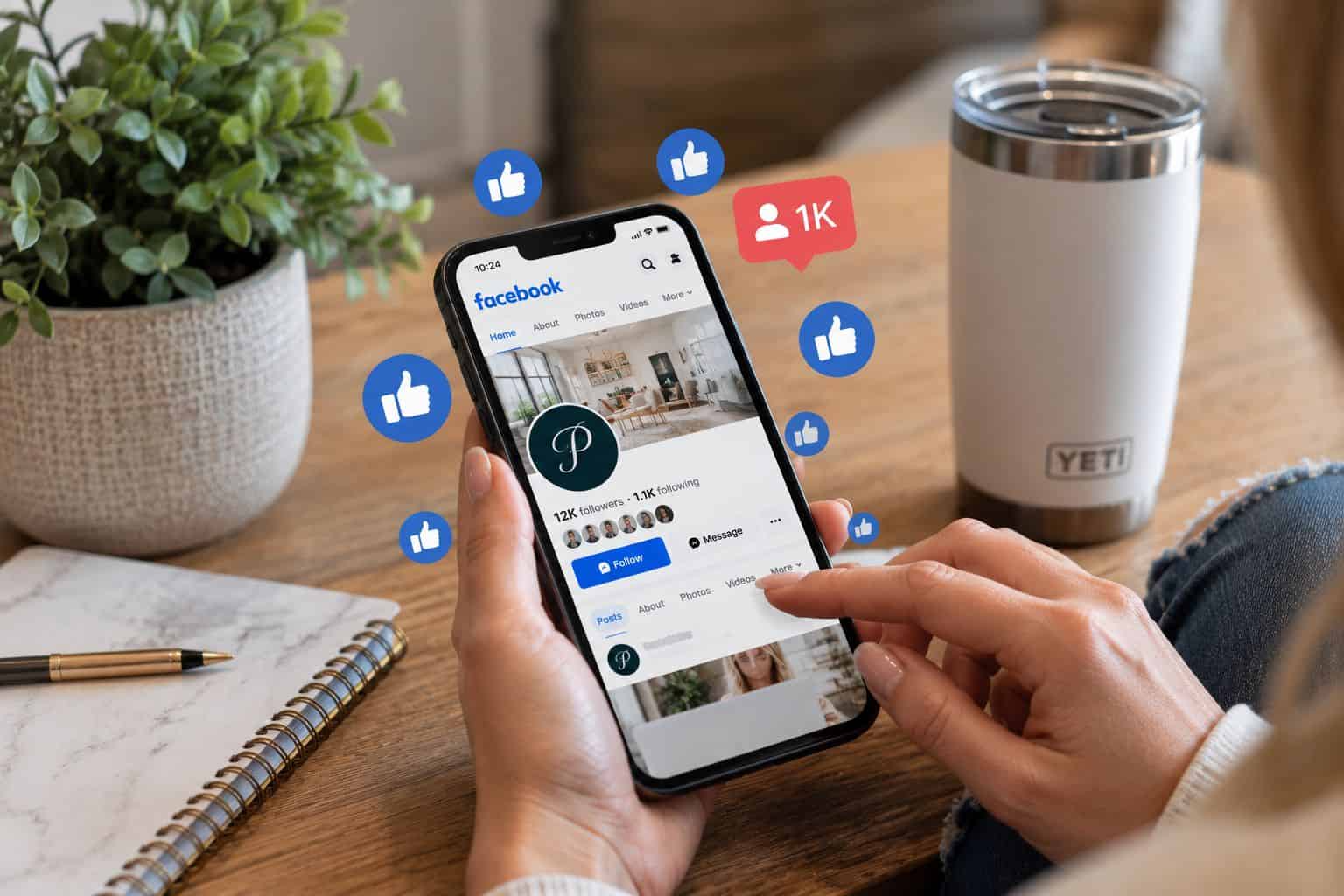
Facebook is a great social media marketing platform for businesses interested in developing brand awareness, engaging with customers, increasing their online presence, and getting new clients. Facebook has a large audience base, regardless of whether you are a startup, entrepreneur, or brand.
Getting Facebook followers is not always easy. More Facebook followers on your Facebook Page is what you want. Posting on a Facebook page now and again or posting a few Facebook updates is not enough to attract online attention.
Though Facebook focused on Page likes in the past, followers are now playing a key role in your audience. And, of course, the value of your followers and their level of interaction on your Page can impact your social media marketing results.
At Premiere Social Media, we’ve been helping businesses with Facebook marketing, social media management, and training since 2014. Here are nine ways to increase your Facebook followers, improve engagement, and grow your business page.
1. Encourage Friends to Like Your Facebook Business Page
One of the simplest methods you can use to grow a Facebook business page is to invite your Facebook friends to like your page. Your friends, family, co-workers, and professional contacts may already be interested in helping you out. Most people don’t even know you have a Facebook page until you invite them.
Go to your business page and find an option to invite friends. Facebook features and invitation options can change depending on your Page and account. Another thing to keep in mind when inviting people is whether they would really be interested in what you have to offer. You can also invite people to your business page by sharing it through your personal Facebook account and giving a quick introduction.
Facebook Tip
Ask your current customers to like your page. Customers who already have a relationship with your business may be more inclined to like, comment, or share your posts.
2. Invite People Who Like Your Facebook Posts to Follow Your Page
One of the most underrated yet easiest methods of getting more Facebook followers is by encouraging other people who have interacted with your business page posts to become your followers. If a user has liked or reacted to one of your Facebook posts, it means that they’ve paid attention to your content. That person may not be following your business page, though.
Of course, you can also invite other people to follow your Facebook page. Page admins can invite people who are eligible to become followers. What a perfect opportunity to convert people you already communicate with into followers.
Visit a post on your Facebook business page and click on reactions. You will see how many people reacted. You can also invite people who do not yet follow your Page to like it, depending on your Page’s settings and Facebook’s interface. This technique is particularly useful if one of your posts goes viral or lands in front of people who do not follow your content.
For instance, if you posted a useful business tip, an engaging Reel, or a customer success story and it gets lots of responses, consider scrolling through those responses to see if there are people you could invite.
Facebook Tip
Check your popular posts frequently, it might be possible to expand your Facebook following without any advertising costs. View reactions on your top Facebook posts and send a follow request to anyone who might be interested in your business page. They have already shown some engagement with your content.
3. Join Facebook Networking Groups & Like Ladders
Facebook networking groups can be a valuable resource for discovering like-minded business owners, promoting your company, and expanding your audience. Certain Facebook business networking groups have similar activities, called like ladders, where members are encouraged to visit and engage with each other’s Facebook business pages. These activities can be very helpful in getting business owners to see other local companies and build professional relationships. Just remember to go for quality connections, not just to add followers or likes.
Networking groups aren’t for everyone. Connecting to hundreds of unrelated pages may not help your business find customers. Instead, try to find groups where people are truly interested in helping each other, referring business, and making connections. Along with responding to questions or providing advice, you can also engage in conversations, review products, endorse other establishments, and offer to help.
Do not use auto-engagement, fake accounts, or schemes that are built to manipulate Facebook engagement. Genuine engagement is far more beneficial in the long run. We realize the importance of business networking. Our groups, Premiere Business Networking, connect women business owners who are looking to forge strong business relationships with other entrepreneurs, refer business to each other, and enhance their online presence.
Facebook Tip
When you join networking groups, select groups related to your niche, location, and demographic, and be sure to follow the rules of the groups when participating.
4. Promote Your Facebook Page on Your Business Cards and Marketing Materials
Promoting your Facebook Business Page should be a part of your marketing plan. Your current marketing materials can be used to introduce your customer base to your social media channels.
Think about including the Facebook logo, business page name, or a QR code. Customers can scan the QR code with their mobile phones and visit your Facebook business page.
You can also promote your Facebook business page on:
- Your business website
- Email signatures and newsletters
- Flyers, leaflets, and cards
- Storefront signs and printed advertisements
- Product packaging and receipts
- Additional social media sites
Ensure your Facebook business page is named clearly. If you are using a different Facebook username from your business name, be sure to include the direct Facebook link to your page or a QR code. Your website will be critical because all potential prospects who aren’t currently in purchase mode might still want to follow your business to know when the right time is!
Facebook Tip
Use a Facebook link on your website’s header, footer, or contact page so visitors can connect with you quickly.
5. Add Your Facebook Business Page to Your Facebook Profile
Another way your own Facebook profile will help is by allowing people to find your business.
Try naming your business in the Work and Education part of your Facebook profile. When Facebook lets you choose your real business page, link to it and avoid just typing out your business name as plain text. Sometimes there is a glitch and it does not allow you to do so. This allows potential customers of your company to locate your Facebook page more conveniently.
You can place your business information in other relevant fields of your profile if your privacy settings and available features on Facebook allow. If you attend local community groups, professional forums, or networking conversations, people may look at your personal profile to find out more about you. When your business information is viewable, it may link those people to you and your business. Maintain professionalism in both your personal and professional image. You don’t need to turn your personal Facebook profile into a constant advertisement, but making your business easy to find is a simple way to increase visibility.
Facebook Tip
Check your profile from another account or use Facebook’s available profile-viewing options to see whether people can easily find your business page.
6. Share Promotions, Special Offers, and Business Updates
Facebook is a great place to inform customers about upcoming sales, new products, special promotions, events, and important business announcements. People often follow business pages because they want to stay informed about what a company offers.
If you’re running a limited-time promotion, create a Facebook post with an attention-grabbing image, a clear description, and instructions on how customers can take advantage of the offer.
You can also share appropriate business promotions in local Facebook groups, provided the group allows advertising or promotional content.
Some groups have specific days when members can promote their businesses, while others prohibit advertisements entirely. Always review the rules before posting. Don’t make every Facebook post a sales pitch. Constant promotional content can become repetitive and may discourage followers from engaging with your page. Instead, balance promotional posts with helpful tips, customer testimonials, educational information, behind-the-scenes content, and business updates.
Facebook Tip
Include a clear call to action when appropriate, such as visiting your website, requesting a quote, scheduling an appointment, or contacting your business.
7. Make Your Facebook Business Page Easy to Find
Before focusing on attracting more followers, make sure your Facebook business page is properly set up and optimized. Your business name should clearly identify your company, and your profile picture should typically feature your logo or another recognizable brand image.
Choose a professional cover photo that represents your business and complements your branding.
Complete the available business information, including your website, phone number, location or service area, business category, and operating hours when applicable. Write a clear business description that explains what your company does and who it serves. Use relevant terms naturally so potential customers can understand your services.
For example, a business offering residential carpet cleaning in Mesa, Arizona, should make its services and location clear rather than using a vague description. Consistency matters, too. Whenever possible, use the same business name, logo, and branding across Facebook, Instagram, your website, and other online profiles. You should also review your Facebook page regularly to make sure all information remains accurate.
Facebook Tip
Choose an easy-to-remember Facebook username that closely matches your business name, if available.
8. Post Compelling Content That Encourages Engagement
One of the most important ways to grow your Facebook business page is by consistently sharing content that your audience finds interesting, helpful, or entertaining. People are more likely to follow a business when its content provides value.
Experiment with different types of Facebook posts, including photos, videos, Reels, customer testimonials, educational tips, announcements, and behind-the-scenes content.
Facebook Reels can be particularly useful for showing products, demonstrating services, introducing team members, and sharing short educational videos.
You don’t necessarily need expensive equipment to create effective content. A smartphone, good lighting, clear audio, and an interesting topic can be enough to produce a useful video.
Pay attention to which posts receive meaningful engagement, such as comments, shares, messages, and website visits. Use Facebook’s available insights to evaluate your content and identify what resonates with your audience. Consistency is also important. Create a realistic posting schedule that allows you to maintain an active presence without sacrificing content quality.
Facebook Tip
Ask genuine questions, respond to comments, and encourage conversations. Social media should be about building relationships, not just broadcasting advertisements.
9. Become an Expert and Share Your Knowledge
One of the best ways to build credibility on Facebook is by sharing your professional knowledge and experience. Your customers may have questions about your industry, products, or services. Use your Facebook business page to answer those questions and provide helpful information.
For example, a landscaper might share seasonal lawn care tips, a real estate professional could explain the home-buying process, or a marketing company could provide social media advice.
Educational content demonstrates your expertise and gives people a reason to follow your page even when they are not immediately ready to purchase.
Consider creating recurring content such as weekly tips, frequently asked questions, tutorials, short videos, or industry updates.You can also share relevant blog articles from your website and encourage readers to explore additional information.
When people consistently find your content useful, they may be more likely to remember your business, recommend your services, or contact you when they need professional assistance.
Facebook Tip
Think about the questions customers ask you most often. Each question could become a Facebook post, Reel, or educational video.
How Long Does It Take to Grow a Facebook Business Page?
Growing a Facebook business page takes time, especially when you’re focused on attracting genuine followers rather than simply increasing numbers. Results depend on several factors, including your industry, target audience, posting consistency, content quality, existing customer base, and marketing budget. Some businesses may see faster growth through advertising, community involvement, or popular content, while others may build their audiences gradually.
Remember that having thousands of followers doesn’t automatically mean your business will generate more sales. A smaller audience of engaged potential customers can be more valuable than a large audience with little interest in your products or services. Focus on building credibility, providing value, and creating meaningful connections.
Need Help Growing Your Facebook Business Page?
Premiere Social Media is a full-service digital marketing agency based in Mesa, Arizona, helping businesses throughout the Phoenix area and nationwide. Since 2014, we’ve offered Facebook marketing, social media management, social media training, content creation, graphic design, and other digital marketing services to help businesses strengthen their online presence.
Whether you want professional assistance managing your Facebook business page or prefer one-on-one training to learn how to do it yourself, we can help.
Ready to grow your Facebook presence? Contact Premiere Social Media to schedule a consultation and discuss your social media marketing needs.
Article Updated 10/21/26





Recent Comments